Construction site internet: how to get a job-site trailer online

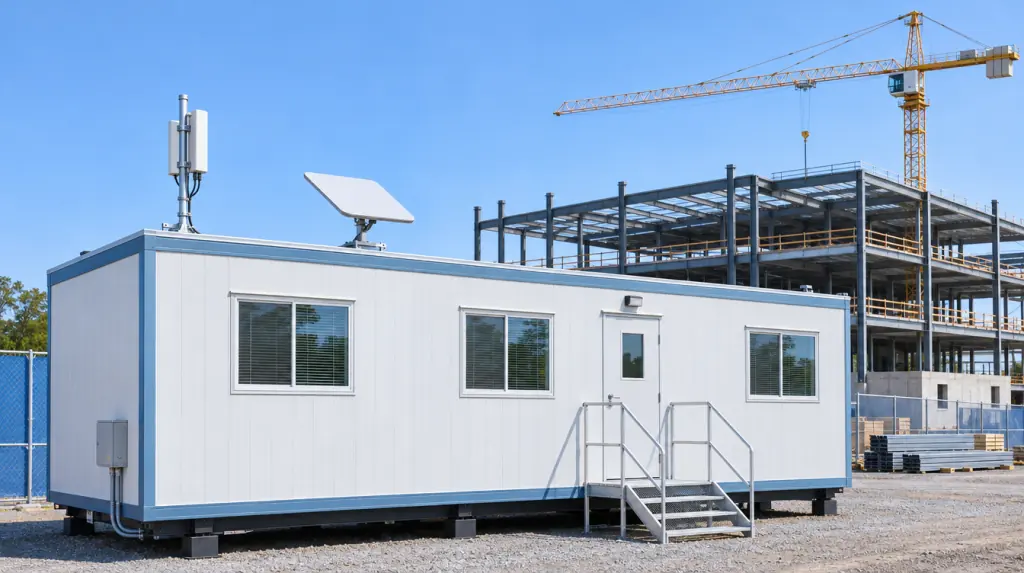
Most construction sites get online with a cellular (4G or 5G) router, a cable or fiber line if one reaches the site, or Starlink satellite where nothing else does. A good setup adds a second connection as backup, a firewall, and separate Wi-Fi networks for your team and for visitors in the trailer.
I'm Igor Dobrovolskiy, founder of As-Built IT in Raleigh. Before starting the company, I helped a construction company of about 60 people fix recurring network outages and slow access to project files, including reliable access from its job sites.
If your trailer's internet is currently Gary's phone hotspot, you're among friends. It works right up until Gary drives to lunch and the whole trailer goes offline with him.
On this page: Internet options · Site Wi-Fi · Starlink · How much speed · Security · Moving jobs · A real fix · Mistakes · Questions
Construction site internet options compared
Construction site internet comes down to five options, and most good setups use two of them. Here's what each one is good at, and where it tends to let you down (usually on inspection day, because of course).
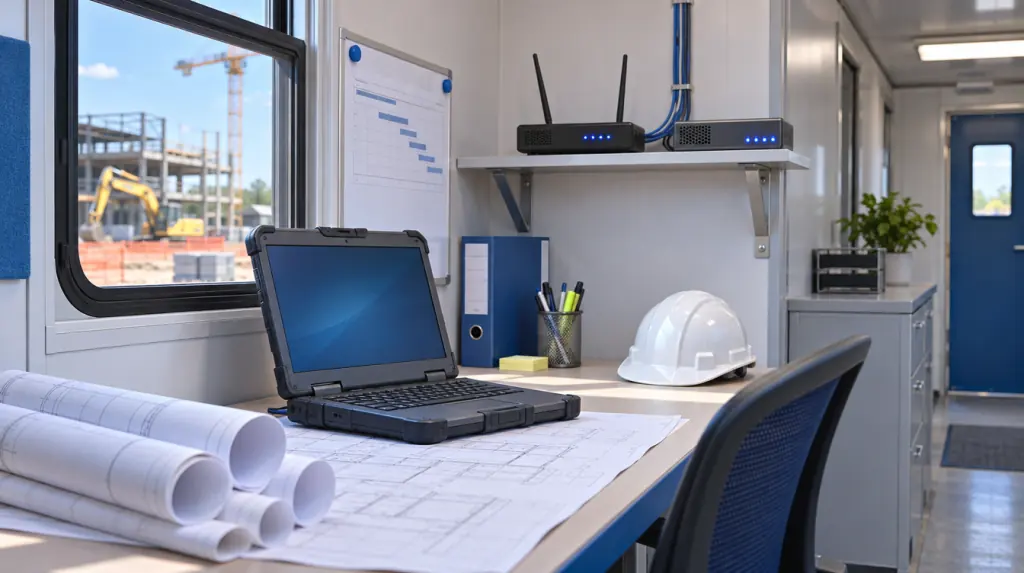
Connection types, not prices: prices and coverage change by carrier, by area and by month.
Construction site Wi-Fi: covering the trailer and the yard
Construction site Wi-Fi spreads one internet connection across the trailer and, if needed, the yard. Steel, concrete and moving equipment all get in the way, so the access points have to be placed for the site as it is this month, not as the drawings promised.
- One Wi-Fi network for your team, and a separate one for trade partners and visitors
- WPA3 security on access points that support it
- Weatherproof access points for anything outside the trailer
- A firewall between the site network and the internet
The Wi-Fi Alliance describes WPA3 as the current Wi-Fi security standard, with better protection against password guessing. Which matters, because the trailer password is usually written on a whiteboard by the coffee maker.
Starlink for construction sites: when it makes sense
Starlink makes sense for construction sites where no cable or fiber line reaches the site and cell signal is weak. It needs a clear view of the sky, so the dish goes on the trailer roof, not behind the crane.
And plenty of sites fall into that gap. The FCC reported that fixed broadband, not counting satellite, hadn't been built out to almost 28% of Americans in rural areas, as of December 2022.
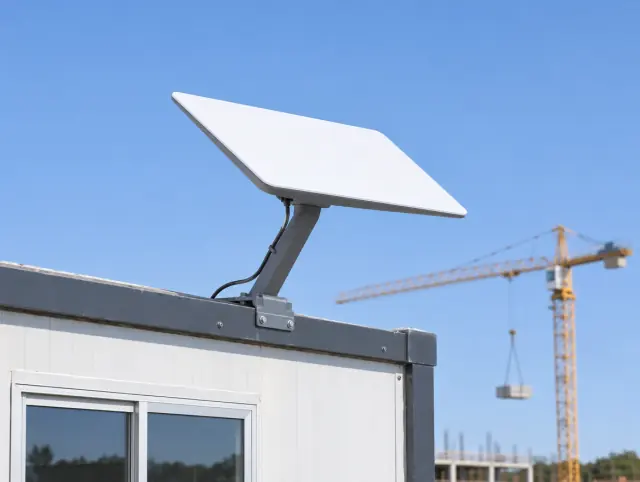
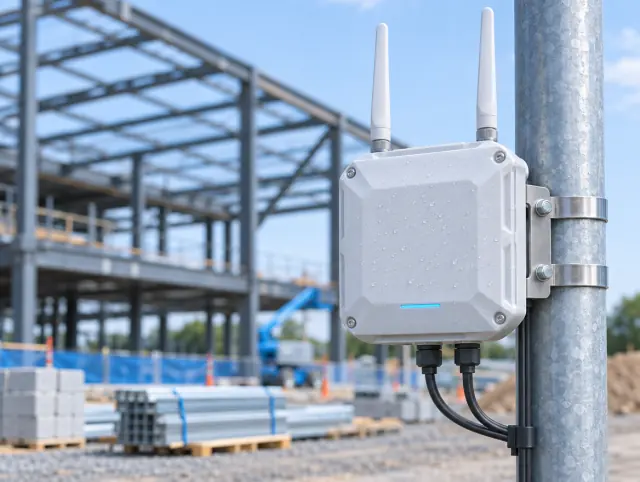
Left: satellite for sites nothing else reaches. Right: an outdoor access point carrying Wi-Fi past the trailer door.
Construction trailer internet: how much speed do you need?
Check the upload speed as well as the download. The FCC's benchmark for good home broadband is 100 megabits per second down and 20 up, and a trailer sending photos, markups and models out all day leans on the upload side harder than most homes do.
If anyone in the trailer opens Revit cloud models, Autodesk lists symmetrical speeds per computer from 5 megabits per second at minimum up to 25 for its performance level. Gary's hotspot, for the record, is already sweating.
Keeping job-site internet secure
Job-site internet needs the same protection as the office: a firewall, current Wi-Fi security, and separate networks so a visitor's laptop never sits on the same network as your project files. Change every default password on the router before it leaves the box.
Field laptops and tablets need the same care, because a lost tablet with every drawing on it is a bad afternoon. Ours get set up, secured and updated as part of IT services for construction companies.
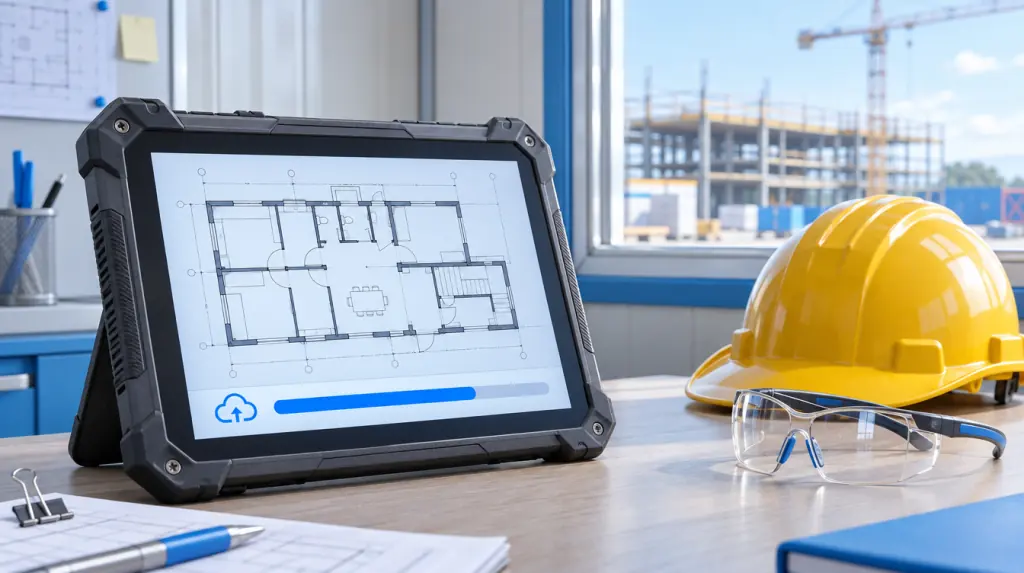
Moving the setup to the next job
Trailer internet should move with the trailer. Write down what's connected, what the Wi-Fi networks are called and who to call, so setting up the next site takes an afternoon instead of a scavenger hunt.
A job-site connection problem, fixed properly
At that construction company of about 60 people, the network outages and slow file access kept coming back. The fix was a redesigned network, better firewall security, reliable access to project files from the job sites, and better monitoring and backups.
None of it was glamorous. All of it meant the people in the trailers stopped waiting on files.
The trailer is an office. Give it an office's internet, an office's security and an office's backup line.
Job-site internet mistakes we see most often
- One connection and no backup line
- One Wi-Fi password shared with everyone at the site
- Default router passwords nobody changed
- Nobody knows who to call when it drops
And the classic: a whole trailer running on Gary's phone hotspot. Gary's phone bill would like a word.
Construction site internet questions
What internet options work on a construction site?
A cellular 4G or 5G router, a cable or fiber line if one reaches the site, Starlink satellite where nothing else is available, and point-to-point radio to link nearby trailers. Many sites add a second connection as a backup.
Does Starlink work for construction sites?
Yes, where the dish has a clear view of the sky. It suits sites with no cable or fiber line and weak cell signal, and it can also serve as a backup connection.
How do you get Wi-Fi across a construction site?
Bring one internet connection into the trailer, then spread it with access points, using weatherproof ones outdoors. Use separate Wi-Fi networks for staff and visitors, and WPA3 security where supported.
How fast should construction trailer internet be?
Check upload as well as download. The FCC's benchmark for good broadband is 100 Mbps down and 20 Mbps up, and trailers that send photos, markups and models need strong upload speeds.
Who sets up internet for a construction trailer?
Usually the firm's IT provider, working with the internet or cellular provider. As-Built IT handles trailer internet, Wi-Fi and firewalls for design-build firms and construction managers in the Triangle.
Where to go from here
If your firm is in Raleigh or the Triangle, see our IT services for construction companies or book a free 30-minute call.
Bring your next site address and your current setup. Gary can keep his hotspot for emergencies.
About the author
Igor Dobrovolskiy founded As-Built IT in Raleigh in 2026 after 15 years in IT, including helping lead the technical recovery after a major cyberattack at a global enterprise. He thinks every trailer deserves office-grade internet.