
Revit cloud worksharing: how it works and what it needs


Revit cloud worksharing lets several people work on the same Revit model at once, with the model stored in Autodesk's cloud and a cached copy on each computer. Your company needs a Revit Cloud Worksharing subscription, and each computer needs a solid internet connection, extra disk space and Revit Personal Accelerator running.
I'm Igor Dobrovolskiy, founder of As-Built IT in Raleigh. I've spent 15 years in IT, including helping an architecture firm whose Revit models kept freezing during synchronization.
Worksharing is one of those things that works beautifully until it doesn't, and then everybody blames Revit. Revit, for the record, is usually innocent.
And if your firm's backup plan for the central model is Gary saving a copy to his desktop “just in case”, we need to talk. Gary, you too.
On this page: Three ways to workshare · How it works · What it needs · Revit Server · Is it right for you · A real slowdown · Mistakes · Questions
Three ways to workshare Revit, compared
Autodesk offers three ways to workshare a Revit model, and the right one depends mostly on where your people sit. Here they are side by side, minus the marketing.
Source: Autodesk's Revit 2027 help, which lists Revit Server and file-based worksharing as the alternatives to cloud worksharing.
How Revit cloud worksharing works
When you save a model to the cloud, Autodesk explains, Revit switches on worksharing if it isn't already, uploads the model to your company's cloud project in Forma Data Management, and keeps a cached copy on your computer. A project administrator then invites the team and sets who can do what.
Everyone works on their own cached copy and syncs changes through the cloud, so nobody has to sit on the same office network. It's the same idea as office worksharing, just with a much longer cable.
What Revit cloud worksharing needs
Revit cloud worksharing needs four things beyond Revit itself, according to Autodesk's own requirement page. Miss one, and the model will let you know by sulking.
- A Revit Cloud Worksharing subscription for your company
- Internet speed per computer, in both directions: 5, 10 or 25 Mbps depending on the level
- Local disk space of three times the size of the cloud models each person opens
- Revit Personal Accelerator running on every machine, even when Revit is closed
The speeds and disk rule come from Autodesk's Revit 2027 requirements. The Personal Accelerator keeps the latest changes downloaded in the background, so opening a model doesn't mean waiting for all of its latest changes to download.

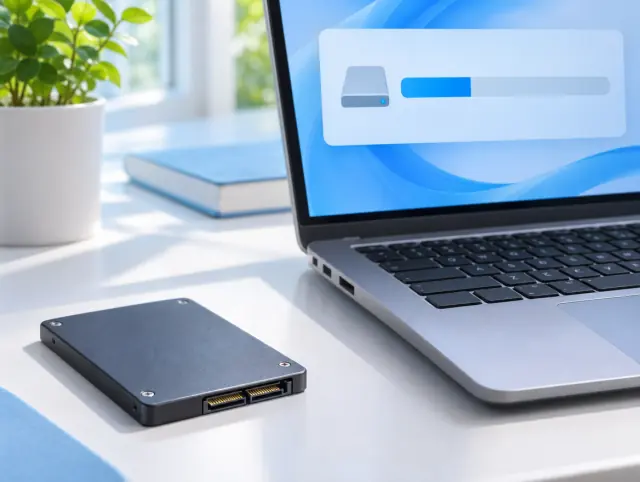
Left: upload speed, the number people forget to check. Right: disk space, which cloud models quietly eat.
Revit Server: the option on your own servers
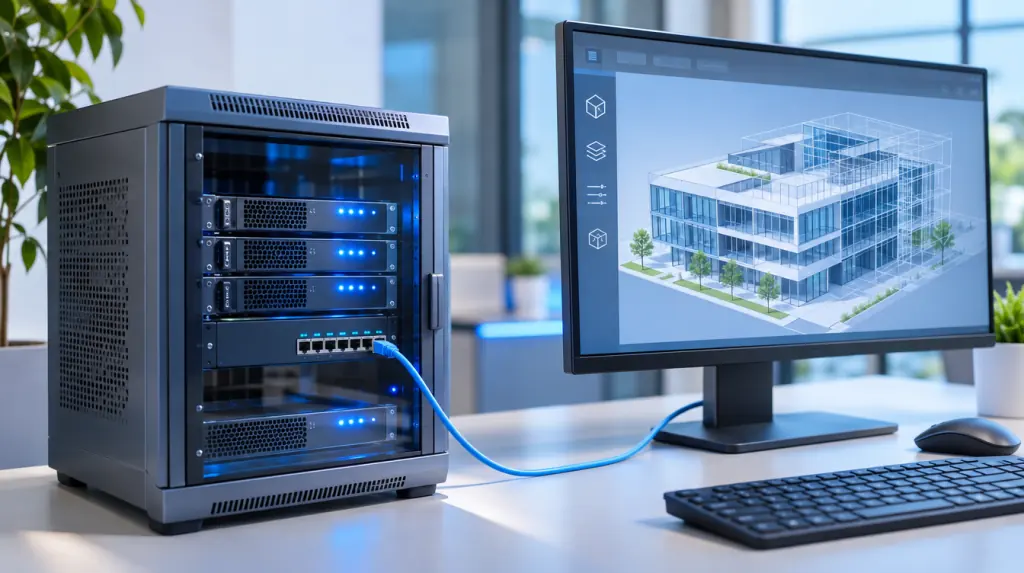
Revit Server keeps the central model on your own servers and links offices across your own network, instead of using Autodesk's cloud. It suits firms with several offices that want the models on hardware they own.
For Revit 2027, Autodesk lists Windows Server 2019, 2022 or 2025 for Revit Server, with at least four processor cores and 8 GB of memory at the minimum level. That's a real server to run, patch and back up, not a spare desktop under someone's desk.
Cloud Revit: is cloud worksharing right for your firm?
In our view, a single office with a good network rarely needs cloud worksharing; file-based worksharing on a solid file server works well. Cloud worksharing earns its subscription when people work across several offices, from home or from project sites.
Whichever you choose, check your internet upload speed first. A cloud model on a weak connection is a sports car in a traffic jam, and Gary's desktop copy is the car parked in the garage with a flat tyre.

A worksharing slowdown that wasn't Revit's fault
Before As-Built IT, I worked with an architecture firm whose large Revit models took too long to open, froze during synchronization and sometimes crashed workstations. Everyone assumed the computers needed replacing.
The real problem was network bottlenecks, slow file storage and inconsistent workstation setups. Fixing those gave the architects a stable place to work, which is exactly where worksharing problems usually hide.
When syncing is slow, check the network, the storage and the setup before you blame Revit.
Revit worksharing mistakes we see most often
- Checking download speed but never upload speed
- Personal Accelerator not running, so every open starts from scratch
- Disks too full for three times the cloud model size
- Copying the central model around instead of working from it
And the classic: Gary's “just in case” copy, now three weeks out of date and somehow the one everybody opens. Gary, delete the copy. We'll wait.

Revit cloud worksharing questions
What is Revit cloud worksharing?
An Autodesk service that lets several people work on the same Revit model at the same time, with the model stored in Autodesk's cloud and a cached copy on each computer.
Do you need a subscription for Revit cloud worksharing?
Yes. Autodesk says your company must subscribe to the Revit Cloud Worksharing service, which gives it an account for managing cloud projects.
What internet speed does Revit cloud worksharing need?
Autodesk lists a symmetrical 5 Mbps per computer at minimum, 10 Mbps at its value level and 25 Mbps for performance, during bursts of transfer.
What is Revit Server?
Revit Server is Autodesk's option for worksharing across several offices using your own servers, instead of Autodesk's cloud.
Is cloud worksharing better than Revit Server?
Neither is better for everyone. Cloud worksharing avoids running your own servers and suits people working from anywhere; Revit Server keeps models on your own hardware but needs servers to run and maintain.
Where to go from here
If your firm is in Raleigh or the Triangle and worksharing is slow, see our CAD and BIM IT support or book a free 30-minute call.
We'll look at the network, the storage and the computers. Gary's desktop copy will be handled gently.
About the author
Igor Dobrovolskiy founded As-Built IT in Raleigh in 2026 after 15 years in IT, including helping lead the technical recovery after a major cyberattack at a global enterprise. He has never once blamed Revit first.