CAD and BIM IT support in Raleigh for the software that pays the bills
As-Built IT supports the design software your firm runs on: AutoCAD, Revit, Civil 3D and the rest of Autodesk, Bluebeam, and modeling and rendering tools like SketchUp, Rhino and Enscape. We keep the workstations and shared files behind them running, and staff reach a help desk that replies within 30 minutes. Month-to-month.
- Cisco certified
- Month-to-month
- 30-minute response promise
CAD support for when the model is big and the deadline is bigger
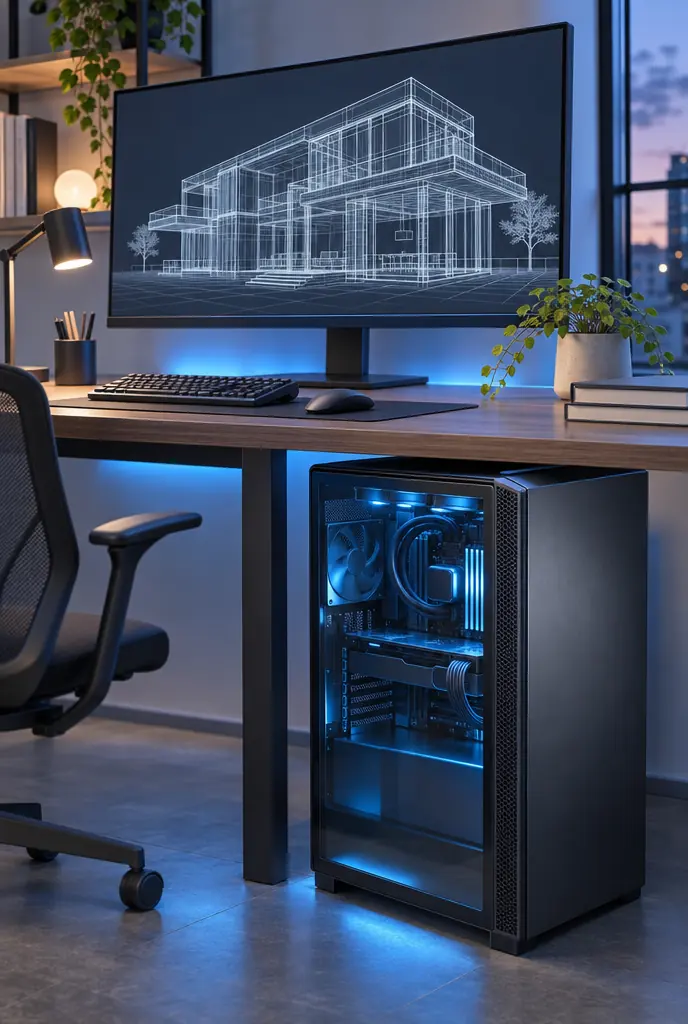
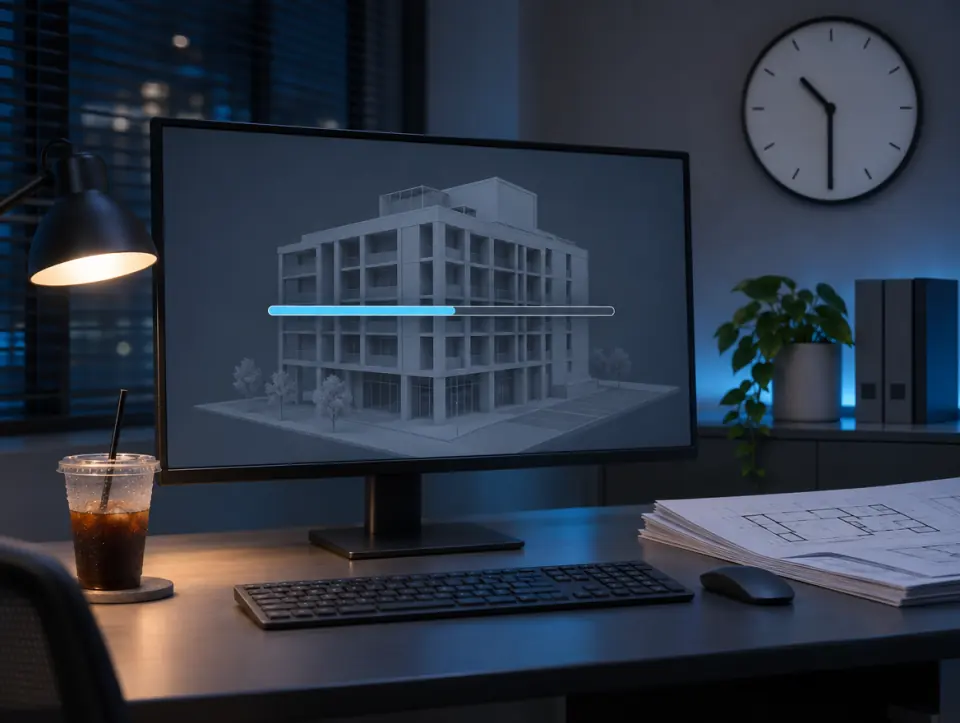
Design software is heavy. A Revit model, a Civil 3D surface or a rendering can bring a good workstation to its knees, and it has an uncanny sense of timing: usually the afternoon before a submittal.
How our CAD and BIM IT support works
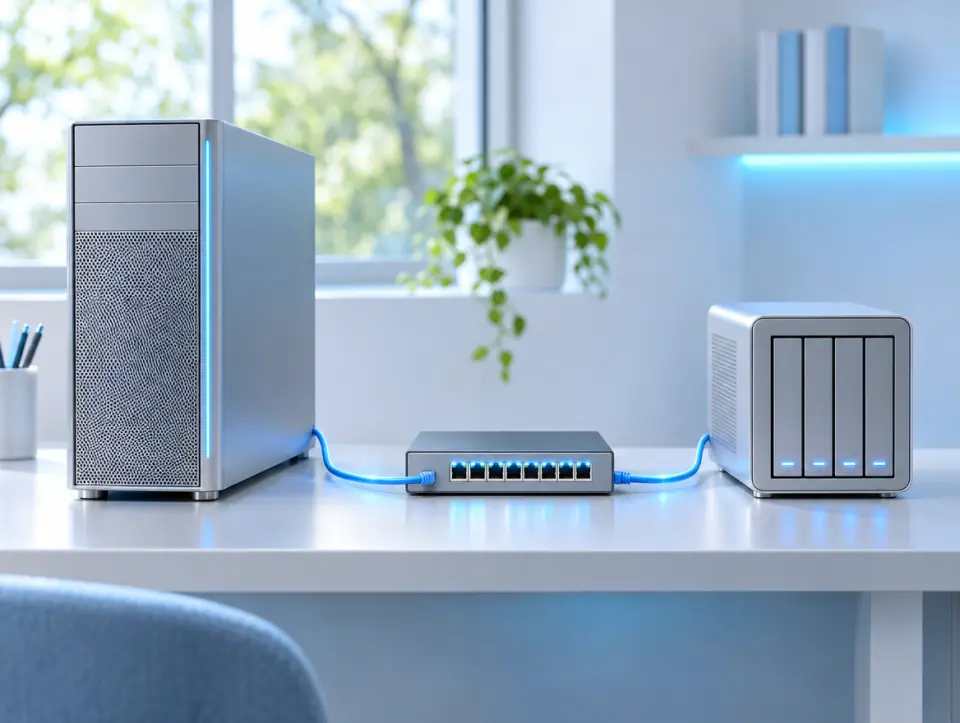
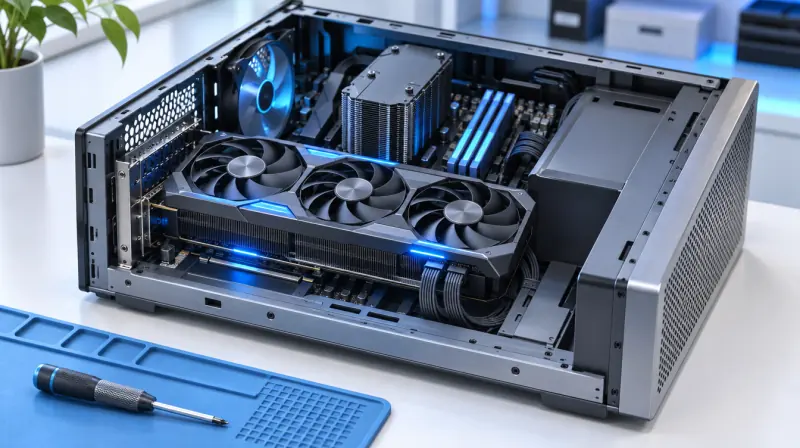
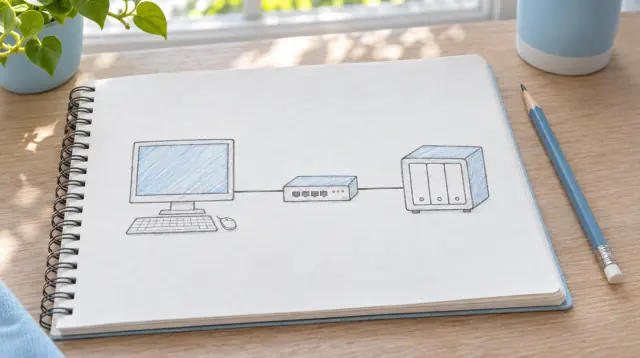
We look at the whole chain behind the software, not just the computer: the workstation, the network, the file storage and the licences. A slow model is often a network or storage problem wearing a computer costume. When something breaks, staff call the help desk.
Real-world experience fixing slow Revit models
An architecture firm was experiencing serious performance issues with its Revit models. Architects were complaining that large models took too long to open, frequently froze during synchronization, and occasionally caused their workstations to crash.
Initially, the firm assumed the computers needed replacing. But after investigating, I found that the bigger problem was the infrastructure supporting them: network bottlenecks, slow file storage, and inconsistent workstation configurations.
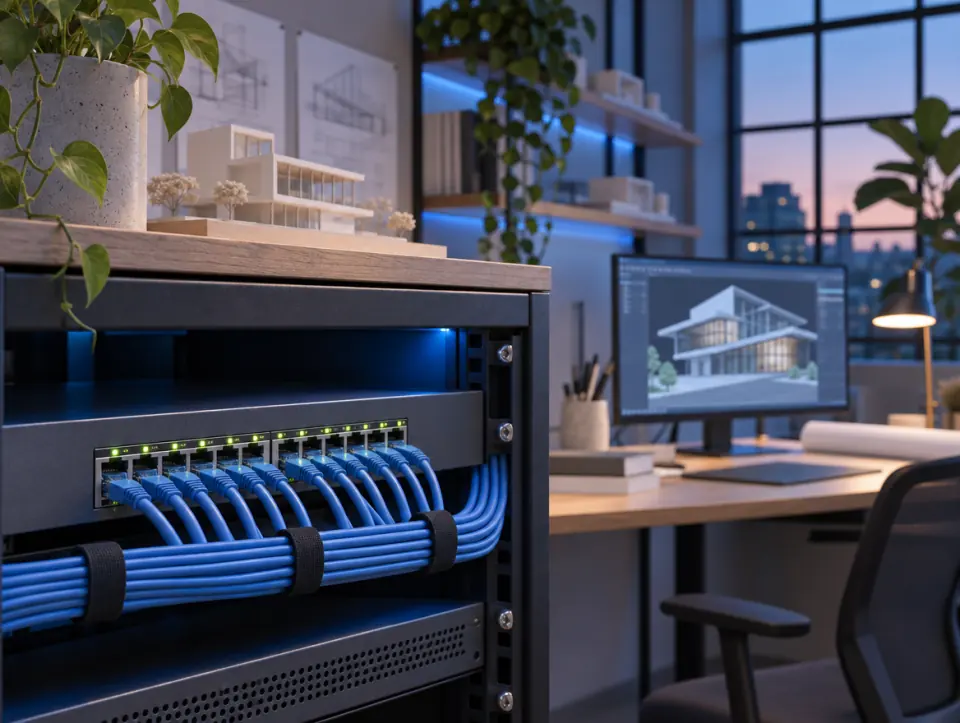
I helped identify and address the performance bottlenecks, improve connectivity to shared project files, and standardize workstation configurations to better support demanding design applications.
The result was a more stable working environment where architects could spend less time troubleshooting technology and more time working on their designs.
What CAD and BIM IT support covers
Every program we support, one line each
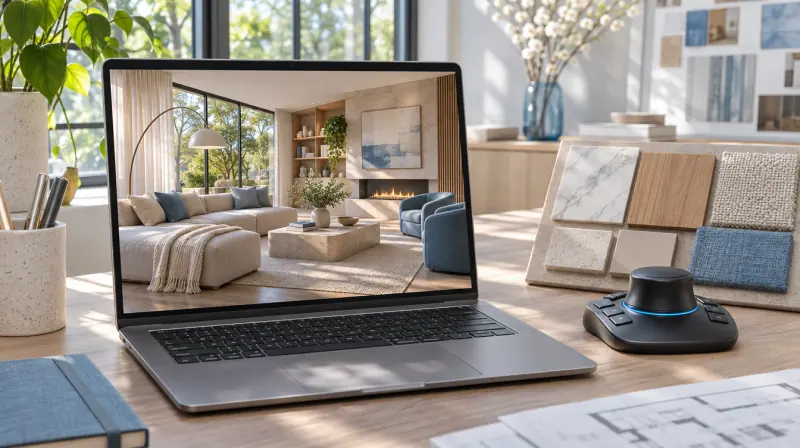
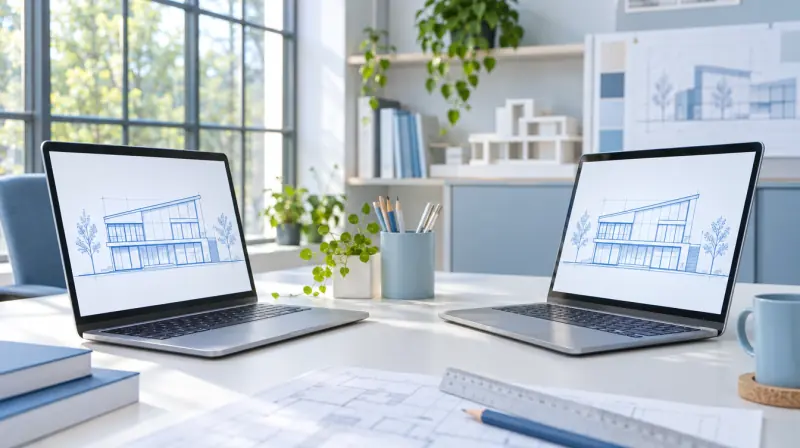
AutoCAD and Revit. The core Autodesk design tools.
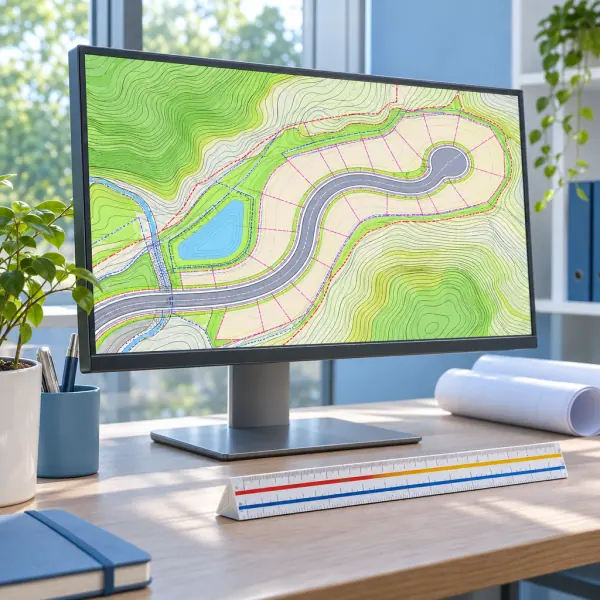
Civil 3D, Navisworks and the rest of Autodesk.
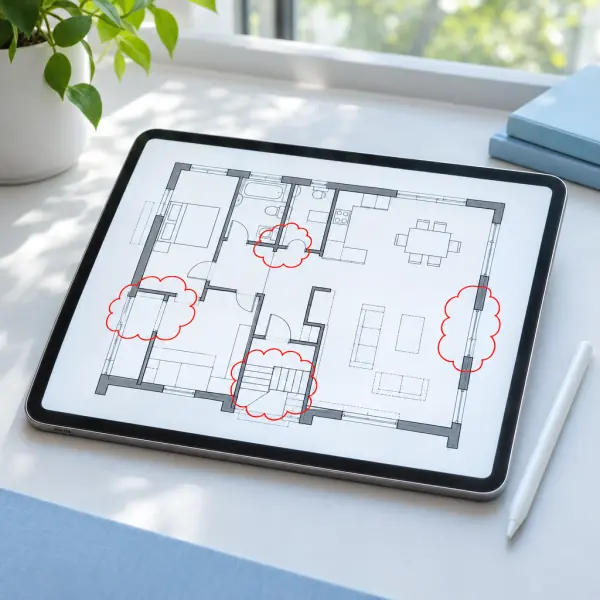
Bluebeam Revu. Markups on drawings and PDFs.
SketchUp and Rhino. Modeling.
Enscape, Lumion and V-Ray. Rendering.
Is it the computer, or something else?
Before replacing a workstation, check the network, the file storage and how the machine is set up. In the story above, that's where the real problem was.
Support for your kind of firm: IT support for architects, IT services for engineering firms and IT services for construction companies.
Four steps, no runaround
- 01FreeBook a free 30-minute callSend the form or call. Tell us which programs you run and what keeps slowing them down.
- 02We get to know your firmThe free call is for discovery: we ask about your design software, your workstations, and where the project files live.
- 03Per firmOne quote for your firmOne monthly price, based on your people, your devices and anything you add on.
- 04We take it from thereYour staff get the help desk number for CAD problems too, and it runs month-to-month.


Areas we serve: Raleigh and the Triangle
We support design software at firms in these eight towns, and we don't take clients outside the Triangle.
How much CAD and BIM IT support costs
CAD and BIM support adds on to your monthly plan. One price for your firm, based on how many people and devices we look after and which services you add.
CAD and BIM support questions
Straight answers for the people who live in Revit.
How fast do you respond when Revit crashes?
Within 30 minutes. Call, email, send an online ticket or message us on Teams, the same as any help desk request.
Which programs do you support?
AutoCAD, Revit, Civil 3D, Navisworks and the rest of Autodesk, plus Bluebeam, SketchUp, Rhino, Enscape, Lumion and V-Ray.
Why is our Revit model so slow?
It isn't always the computer. Network speed, file storage and how the workstation is set up all affect how fast a big model opens and syncs, so we check all of them.
Do you sell CAD workstations?
No. We support the workstations you have and keep them running, but we don't sell or choose them.
Do you manage Autodesk licences?
Yes. Autodesk and other software licences are managed as part of our support.
Do you support Mac and Windows?
Yes. Our help desk supports Windows and Mac computers, so mixed offices are fine.
Your first 30-minute call is free
Send the form or call (919) 807-1540. Thirty minutes, no charge, and you'll know whether we're a fit.