IT support in Raleigh, with a help desk that answers
As-Built IT is the help desk for architecture, engineering and construction firms in Raleigh and across the Triangle. Your staff reach us by phone, email, online ticket or Teams chat, and we reply within 30 minutes. Windows, Mac, printers, plotters and Microsoft 365, all covered.
- Cisco certified
- Month-to-month
- 30-minute response promise

Small business IT support in Raleigh, for firms without a help desk
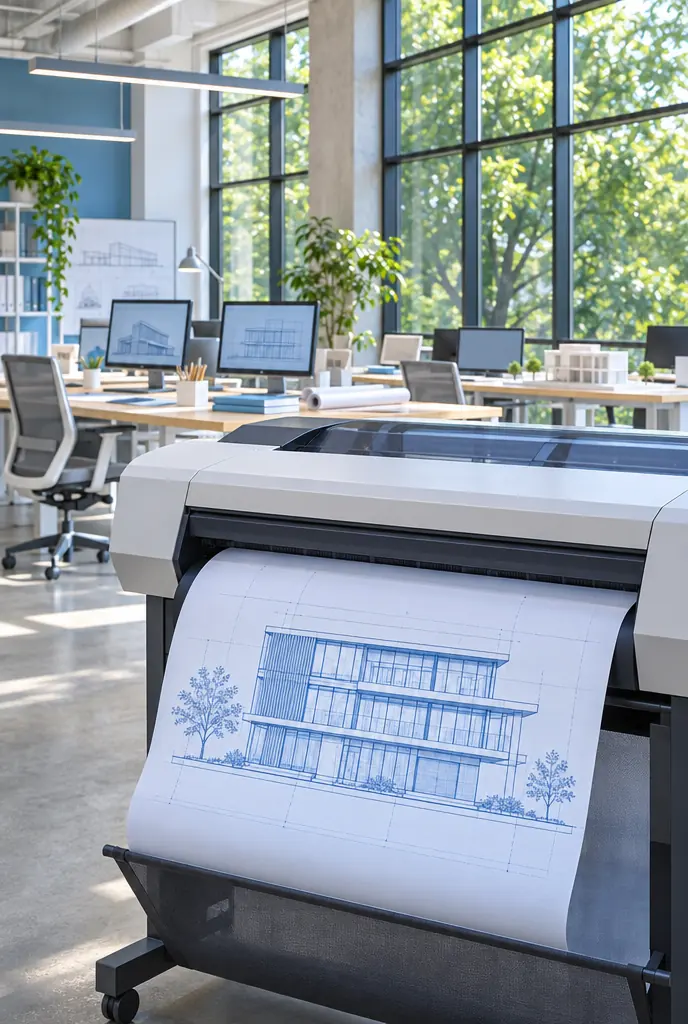
In a 15-person firm, the help desk is usually whoever sits nearest the printer. That works right up until the plotter jams the afternoon before a submittal. These are the calls a help desk should be taking instead.


Help desk services in Raleigh: four ways to reach us
Your staff can call, email, log an online ticket or message us in Microsoft Teams, whichever is quickest for them. Every one of those reaches the same help desk, and we reply within 30 minutes.
Real-world experience behind the help desk
A project manager called because he suddenly couldn't access the company's shared project files. He had a deadline that afternoon and needed the latest drawings and construction documents, but the shared drive kept showing a connection error.
Rather than simply restarting his computer, I traced the issue to a network configuration problem that was preventing his connection from reaching the file server.
I corrected the configuration, restored access, and verified that he could open and save the files normally. I also checked whether other employees were affected to make sure it wasn't a larger issue.
What mattered wasn't just fixing the connection. It was getting someone back to work quickly so a technical problem didn't turn into a missed project deadline.
I also helped lead the technical recovery after a major cyberattack at a global enterprise, restoring critical IT infrastructure across approximately 90 locations and roughly 10,000 employees.
What our IT support covers

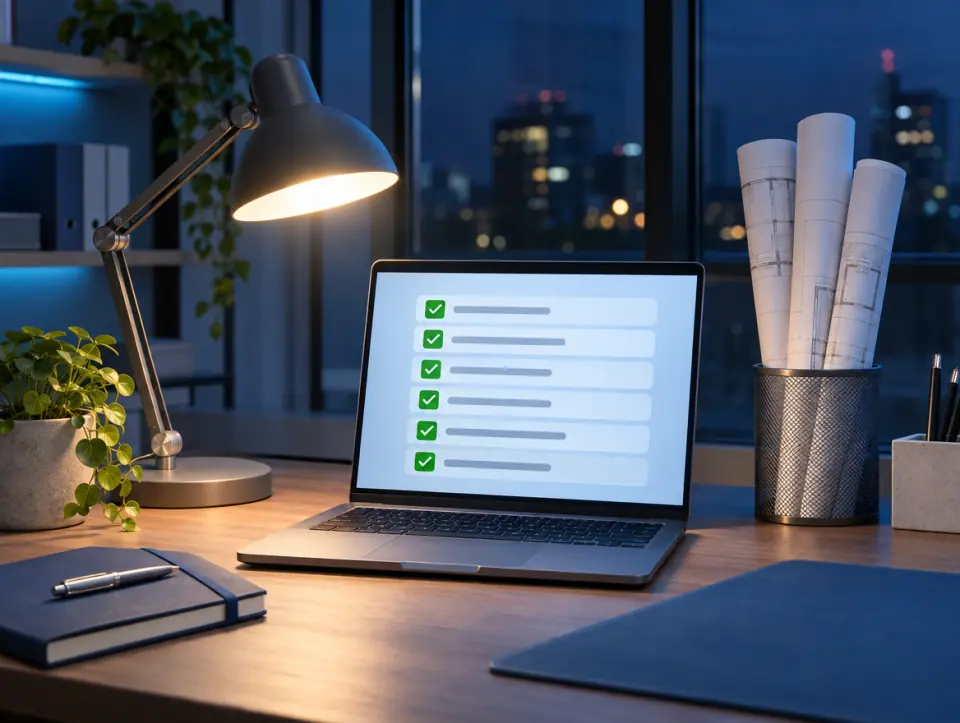
Everything the help desk handles, one line each
Windows computers. Laptops and desktops, set up and kept running.
Mac computers. MacBooks and iMacs, alongside the Windows machines.
Printers, scanners and plotters. Including large-format plotters.
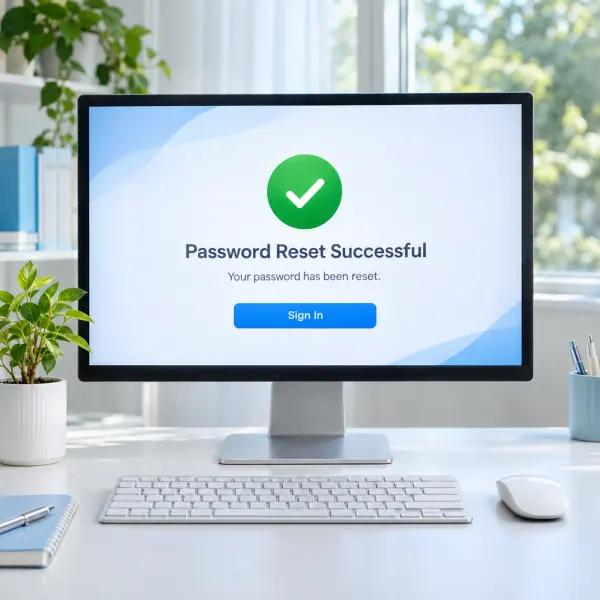
Microsoft 365. Sign-in problems, password resets, email, Teams and SharePoint.
Network and Wi-Fi. A dropped connection is a help desk call like any other.
New starters and leavers. Accounts set up for new hires, access removed when someone leaves.
Vendor calls. We deal with the internet provider, the printer company and software support.
Revit, AutoCAD and Bluebeam. Through our CAD and BIM IT support, which adds on.
Why design and build firms need a help desk that knows their tools
Plotters, large model files and Bluebeam sessions are everyday tools in a design firm, and they fail in their own ways.
Most problems are small: a password, a printer, a sync. Small problems stay small when someone answers within 30 minutes.
The help desk is one part of how we look after a firm. For the full picture, see managed IT services in Raleigh.
Four steps, no runaround
- 01FreeBook a free 30-minute callSend the form or call. Tell us how many people and computers you have, and what your staff keep asking for help with.
- 02We get to know your firmThe free call is for discovery: we ask about your software, your offices and job sites, and what is already in place.
- 03Per firmOne quote for your firmOne monthly price, based on your people, your devices and anything you add on.
- 04We take it from thereMonitoring and updates go on every computer, your staff get the help desk number, and it runs month-to-month.




Areas we serve: Raleigh and the Triangle
We support firms in these eight towns, and we don't take clients outside the Triangle.
How much IT support costs in Raleigh
One monthly price for your whole firm. It depends on three things: how many people you have, how many computers and devices we look after, and which services you add.
IT support questions
Straight answers about how the help desk works.
How fast do you respond?
Within 30 minutes, whichever way your staff reach us.
How do staff ask for help?
Four ways: phone, email, an online ticket form, or a message in Microsoft Teams. They pick whichever is quickest.
Do you support Mac computers?
Yes. We support both Windows and Mac computers, so a mixed office is fine.
Can you fix our plotter?
Yes. Printers, scanners and large-format plotters are part of what the help desk handles.
Do you handle network problems too?
Yes. Your network, Wi-Fi and firewall are looked after too, so a dropped connection is a help desk call like any other.
What makes a good IT support company in Raleigh?
A fast reply, a clear way to ask for help, and someone who knows the software your firm runs. Ours: a 30-minute response, four ways to reach us, and Revit, AutoCAD and Bluebeam through our CAD and BIM support.
Your first 30-minute call is free
Send the form or call (919) 807-1540. Thirty minutes, no charge, and you'll know whether we're a fit.