
Revit system requirements for 2027, explained

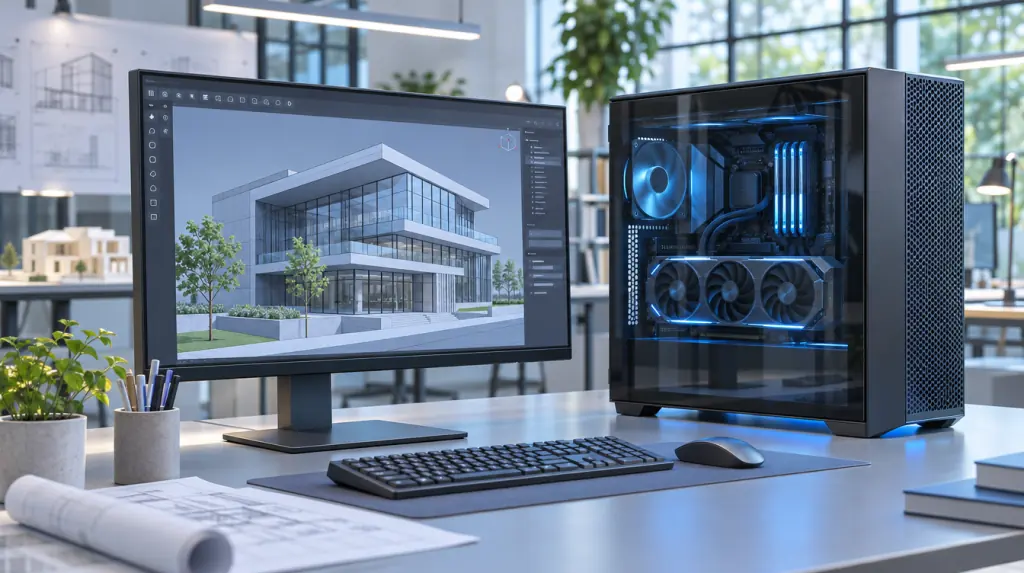
Autodesk's minimum for Revit 2027 is 64-bit Windows 11, a 2 GHz or faster Intel or AMD processor, 16 GB of RAM, a graphics card with 4 GB of video memory and 30 GB of disk space. For bigger models, Autodesk recommends 32 GB of RAM for models up to about 600 MB, and 64 GB for models around 1 GB.
I'm Igor Dobrovolskiy, founder of As-Built IT in Raleigh. I've spent 15 years in IT, and I've helped an architecture firm whose Revit models were slow for reasons no spec sheet mentions.
We don't sell computers, which makes us annoyingly honest about them. Nobody here earns a cent if you buy the expensive graphics card, so pull up a chair.
And if your firm's Revit machine is Gary's laptop, which he insists is “basically a workstation”, this post is gently aimed at Gary.
On this page: At a glance · How much RAM · Revit 2026 · What makes it fast · The network · On a Mac · For a small firm · A real slowdown · Questions
Revit 2027 system requirements at a glance
Autodesk publishes three levels of Revit system requirements: minimum, value and performance. Here are the two ends side by side, so you can see how far apart “it opens” and “it flies” really are.
Source: Autodesk, system requirements for Revit 2027. The middle “value” level asks for 32 GB of RAM and 6 GB of video memory.

How much RAM does Revit need?
Revit needs RAM in proportion to the size of the model you have open. Autodesk's own rule of thumb ties each level to a model size on disk, which is the most useful number on the whole page.
Autodesk adds that upgrading a model from an older Revit version can need extra memory for that one-time upgrade. So the week you move to a new version is not the week to test Gary's laptop.
Revit 2026 system requirements: what changed in 2027
The memory and graphics levels are the same in both versions. The big change is Windows: Revit 2026 runs on Windows 10 (version 1809 or later) or Windows 11, while Revit 2027 lists Windows 11 only. If your office still has Windows 10 machines, that's your upgrade deadline, politely announced.
Revit computer requirements: what actually makes Revit fast
Revit computer requirements come down to four things: a fast processor core, enough RAM for your models, a proper graphics card and free disk space. Autodesk specifically recommends the highest single-core clock speed: Revit uses several cores for many tasks, but a fast single core still matters.
- Processor: the highest single-core speed you can get, as Autodesk recommends
- RAM: matched to your biggest model, using the table above
- Graphics: 4 GB of video memory at minimum, 8 GB for large models
- Disk: 100 GB kept free for temp files, as Autodesk recommends
One practitioner tip that isn't on Autodesk's page: put Revit and its temp files on a solid-state drive. That's common practice rather than an Autodesk rule, but nobody I know misses waiting for a spinning disk.
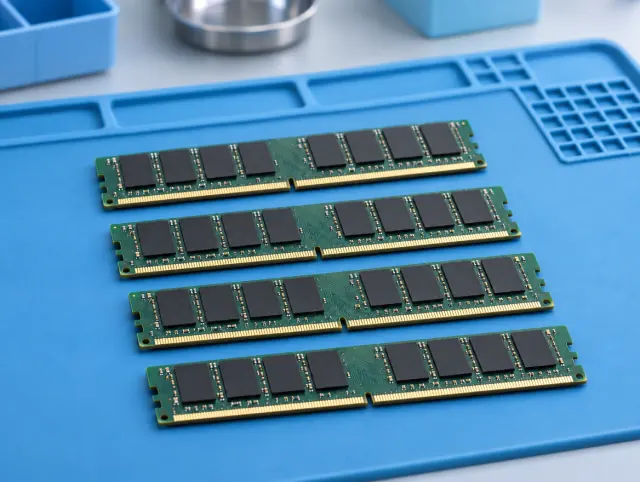

Left: RAM, the part to size first. Right: the network and storage, the part people forget.
Revit hardware requirements for worksharing: the network counts too
Revit hardware requirements don't stop at the computer when your team works on shared models. For Revit Cloud Worksharing, Autodesk asks for local disk space of three times the size of the cloud models each person opens.
It also lists internet speeds per machine: a symmetrical 5 Mbps at minimum, 10 at value and 25 for performance, during bursts. A gorgeous workstation on a struggling network is a sports car in a car park.
Can you run Revit on a Mac?
Revit is Windows software, so on a Mac it runs inside Windows 11 using Parallels Desktop. Autodesk recommends 32 GB of memory on the Mac, 16 GB given to the Windows side, and notes that its accelerated graphics option isn't supported there.
It works, as long as the Mac meets those numbers. Just don't expect a Mac running two operating systems at once to outrun a dedicated Windows workstation (it will try its best, bless it). Mixed offices are something our IT support for architects handles every day.
Revit minimum requirements vs what a small firm should aim for
The Revit minimum requirements get Revit to open; they don't promise it'll be pleasant. The easiest way to choose a level is to check the size of your biggest .rvt file in File Explorer and match it to Autodesk's table above.
In our view, a small firm whose models regularly pass 300 MB should treat Autodesk's value level as the real starting point. And if Gary's model is 900 MB, Gary's laptop is not basically a workstation. Sorry, Gary.
A Revit slowdown the spec sheet didn't explain
Before As-Built IT, I worked with an architecture firm whose large Revit models took too long to open, froze during synchronization and sometimes crashed workstations. They assumed the computers needed replacing.
The bigger problem was the infrastructure behind them: network bottlenecks, slow file storage and inconsistent workstation setups. Fixing those gave the architects a stable place to work, without treating every slowdown as a shopping trip.
Meeting Autodesk's requirements gets Revit running. The network and storage decide how it feels.
Revit hardware mistakes we see most often
- Buying lots of slow cores when Revit wants a fast single core
- Sizing RAM for today's model instead of next year's
- Letting the temp drive fill up past Autodesk's 100 GB of free space
- Blaming the computer when the network or file storage is the bottleneck
And the classic: running a 900 MB model on Gary's laptop and wondering why it sounds like a hair dryer.
Revit system requirements questions
What are the minimum system requirements for Revit 2027?
64-bit Windows 11, an Intel or AMD processor at 2 GHz or faster, 16 GB of RAM, a DirectX 11 graphics card with 4 GB of video memory recommended, and 30 GB of disk space plus 100 GB free for temp files.
How much RAM does Revit need?
Autodesk suggests 16 GB for models up to about 300 MB on disk, 32 GB for up to about 600 MB, and 64 GB or more for models around 1 GB.
What graphics card does Revit need?
A DirectX 11 card with Shader Model 5. Autodesk recommends 4 GB of video memory at minimum, 6 GB at the value level and 8 GB for large, complex models.
Can Revit run on a Mac?
Not natively. It runs in Windows 11 inside Parallels Desktop, with Autodesk recommending 32 GB of memory on the Mac. Accelerated graphics isn't supported in that setup.
Does Revit 2027 run on Windows 10?
Autodesk lists only 64-bit Windows 11 for Revit 2027. Revit 2026 still supports Windows 10 version 1809 or later.
Where to go from here
If your firm is in Raleigh or the Triangle and Revit is slow even on decent machines, see our CAD and BIM IT support or book a free 30-minute call.
We'll look at the computers, the network and the storage, and we'll leave Gary's laptop alone. Mostly.
About the author
Igor Dobrovolskiy founded As-Built IT in Raleigh in 2026 after 15 years in IT, including helping lead the technical recovery after a major cyberattack at a global enterprise. He would rather fix the network than sell you a computer.