
Cloud backup for business in Raleigh, built for big project files
As-Built IT copies what your firm can't lose into the cloud: your servers and shared file storage, Microsoft 365, staff computers and finished project archives. We test the backups by restoring from them, and help you get files back when you need them. One monthly price, quoted for your firm, month-to-month.
- Cisco certified
- Month-to-month
- 30-minute response promise


Cloud backup for small business, sized for big project files
Most small design and build firms have some kind of backup. Usually it's a drive in the office, a folder that syncs, and a quiet hope that nobody ever needs either. The hope is doing most of the work.
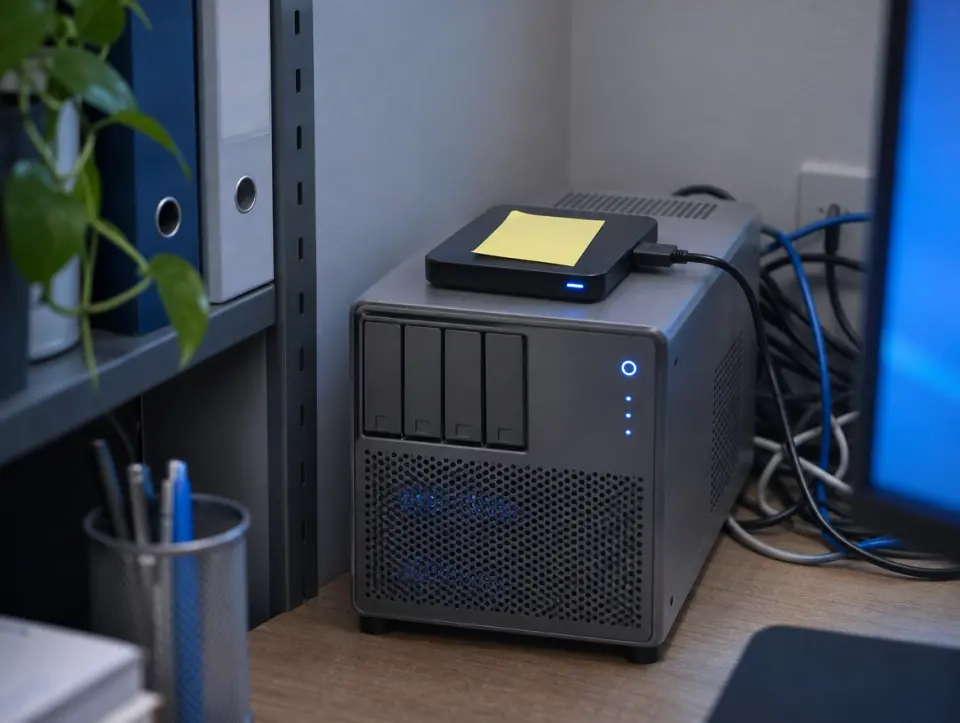

How our managed cloud backup works
We set up the backups, run them for you, and copy everything that matters to the cloud, away from your office. Then we test them by restoring from them, because a backup nobody has ever restored is just a very confident guess. When you need a file back, you call us.
Real-world experience restoring lost project files
An engineering firm discovered that a shared drive containing critical project files had failed. The drive held CAD drawings, engineering calculations, project documentation, and several weeks of active work.
Their internal IT person attempted to recover the files but couldn't get the storage system back online. With project deadlines approaching, the firm was concerned about losing weeks of work.
I helped identify the storage failure, locate the most recent usable backup, and restore the critical project files to a working system. We prioritized active projects so engineers could resume work while the remaining data was recovered.
Afterward, we reviewed their backup strategy, implemented automated offsite backups, and established regular recovery testing to make sure their data could be restored if another failure occurred.
The experience reinforced an important lesson: having backups isn't enough. You need to know they actually work when your business depends on them.
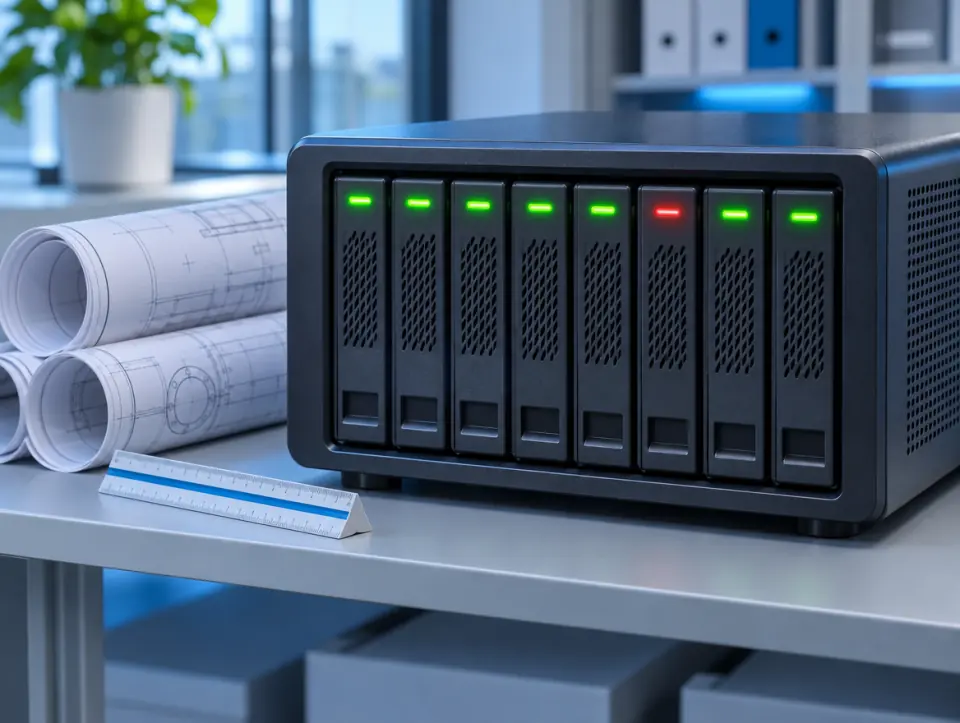
What goes into the cloud copy


Everything in cloud backup, one line each
Servers. Backed up and copied to the cloud.
Shared file storage. The drives where your project files live.
Microsoft 365. Email, OneDrive, SharePoint and Teams.
Staff computers. Laptops and desktops, including work that never made it to the server.
Project archives. Finished jobs kept in the cloud copy for the long term.
Recovery testing. We restore from the backups as a test, to prove the files come back.
Restores when you need them. One deleted file or a whole lost drive, we help you get it back.
Cloud backup or disaster recovery: which do you need?
Cloud backup is the copy: everything that matters, kept safely away from your office. Disaster recovery is getting the whole firm working again after a bad day, using that copy.
Most firms need both, and they work together.
For the recovery side, see backup and disaster recovery services. For day-to-day IT, see managed IT services in Raleigh.
Four steps, no runaround
- 01FreeBook a free 30-minute callSend the form or call. Tell us where your files, email and laptops are backed up today, if anywhere.
- 02We get to know your firmThe free call is for discovery: we ask what lives on your server, in Microsoft 365 and on staff laptops, and what's backed up now.
- 03Per firmOne quote for your firmOne monthly price, based on your people, your devices and anything you add on.
- 04We take it from thereThe backups start, the first copy goes up to the cloud, and it runs month-to-month.



Areas we serve: Raleigh and the Triangle
Our cloud services in Raleigh cover these eight towns, and we don't take clients outside the Triangle.
How much cloud backup for business costs
One monthly price for your firm, based on how many people and devices we back up and which other services you add.
Cloud backup questions
Straight answers, no cloud jargon.
How fast do you respond if you need a file back?
Within 30 minutes. Call, email, send an online ticket or message us on Teams, the same as any help desk request.
Do you back up Microsoft 365?
Yes. Email, OneDrive, SharePoint and Teams are all part of the cloud backup.
Isn't OneDrive or SharePoint already a backup?
No. They sync files, so a folder deleted or scrambled on one computer changes everywhere. A backup is a separate copy you can go back to.
Do you back up staff laptops?
Yes. Staff laptops and desktops are backed up too, so work that never made it to the server isn't lost with the computer.
Do you test the backups?
Yes. We run recovery tests, restoring from the backups to prove your files actually come back.
What's the difference between cloud backup and disaster recovery?
Cloud backup is the copy of your files, kept away from your office. Disaster recovery is getting the whole firm working again after something goes wrong. We do both: see backup and disaster recovery services.
Your first 30-minute call is free
Send the form or call (919) 807-1540. Thirty minutes, no charge, and you'll know whether we're a fit.